
Common Outdoor Projection Problems and How to Fix a Laser Engineering Projector Setup

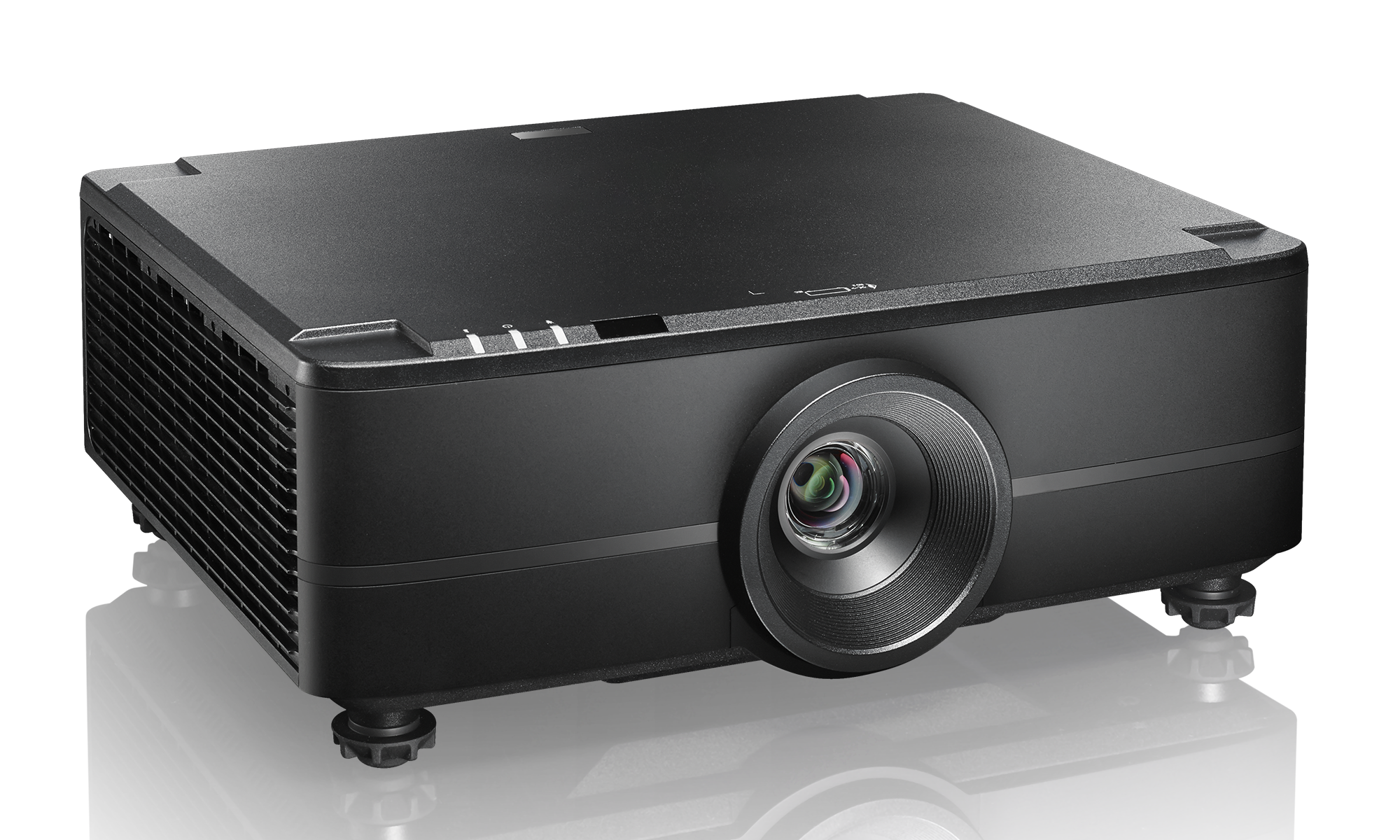
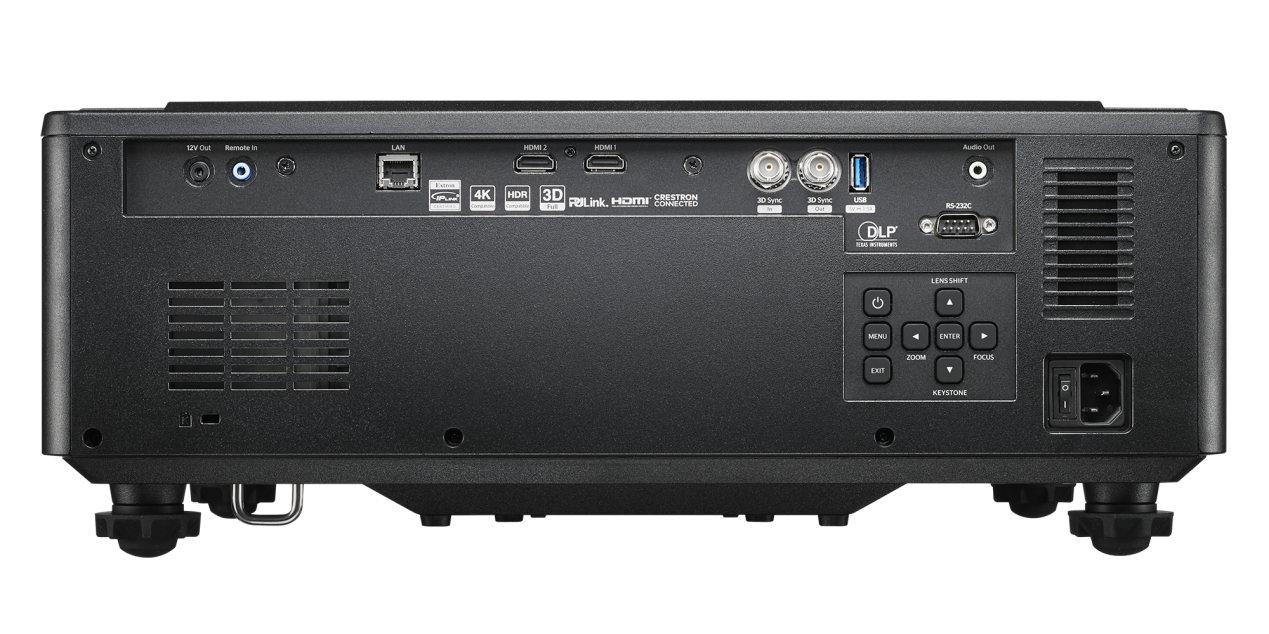
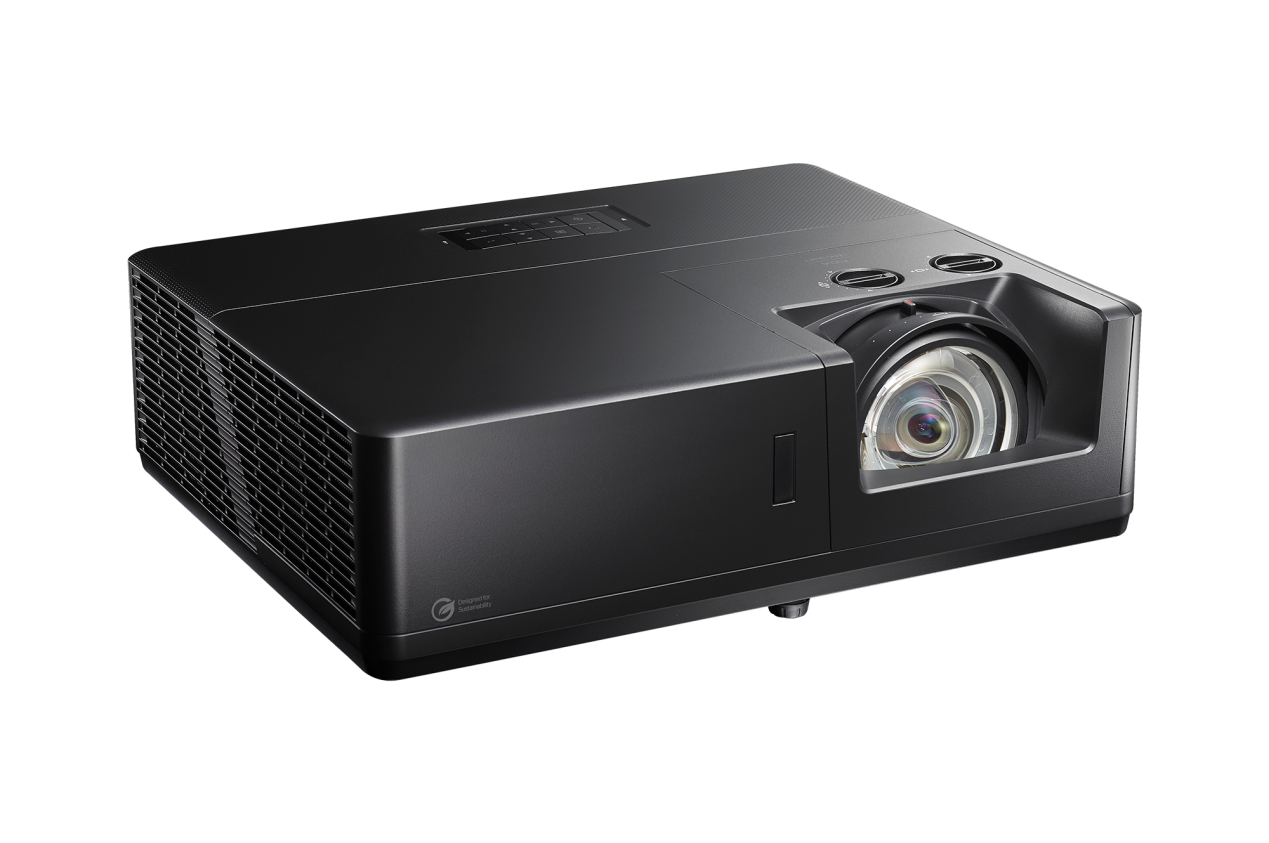
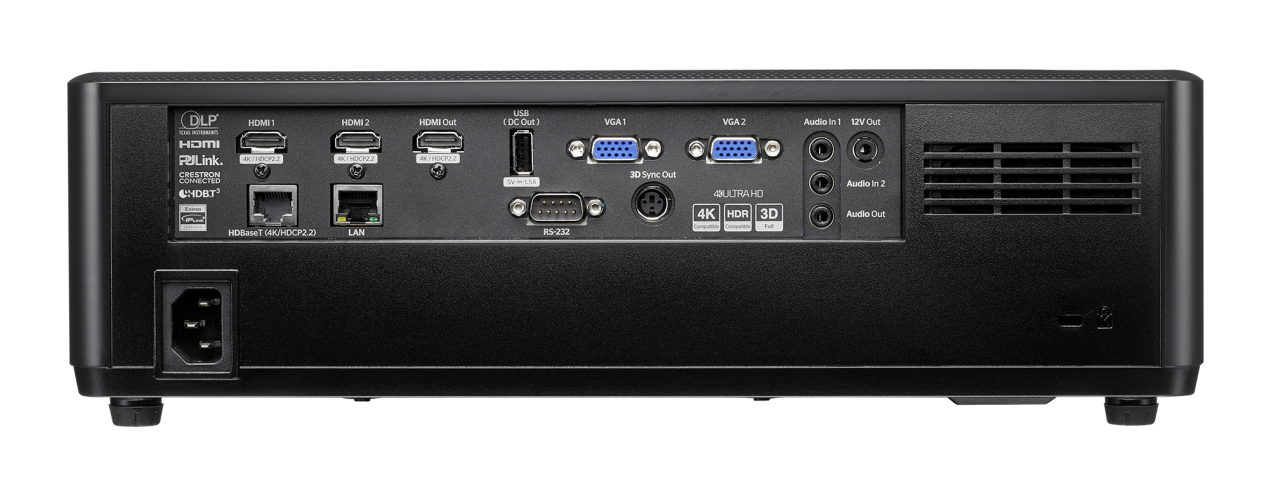
Common Outdoor Projection Problems and How to Fix a Laser Engineering Projector Setup
Outdoor projection can fail fast when brightness drops, alignment shifts, or weather affects performance.
For public spaces, facades, and infrastructure projects, a stable Laser Engineering Projector setup matters every day.
Small setup issues often become visible only after dusk, during rain, or under heavy ambient light.
The good news is that most outdoor projection problems are predictable and fixable with a practical routine.
This guide explains the most common Laser Engineering Projector issues and how to solve them efficiently.
1. Image Looks Dim or Washed Out
This is usually the first complaint in outdoor projection.
A Laser Engineering Projector may perform well indoors, yet struggle outside because ambient light changes fast.
Common causes include:
- Projection starts before full darkness.
- The surface reflects poorly or absorbs too much light.
- Throw distance is longer than planned.
- Lens contamination reduces output.
How to fix it:
- Measure ambient light before installation, not after.
- Shorten throw distance where possible.
- Use a higher-gain or cleaner projection surface.
- Schedule playback after nearby lighting drops.
- Clean the lens and air filters regularly.
In real projects, brightness loss is often a system issue, not just a projector issue.
2. Image Alignment Keeps Shifting
If the image drifts after setup, mechanical stability is usually the problem.
An outdoor Laser Engineering Projector faces vibration, wind load, and temperature-related expansion.
Check these points first:
- Mounting bracket rigidity.
- Anchor bolt tightness.
- Pole or support movement.
- Digital keystone overuse.
A common mistake is correcting poor placement with excessive software adjustment.
That may look fine at first, but it reduces image quality and increases future drift sensitivity.
Start with physical alignment.
Then use digital correction only for fine tuning, not for major geometry compensation.
3. Weather Causes Sudden Failure
Outdoor conditions are rarely gentle.
Rain, dust, heat, and condensation can reduce Laser Engineering Projector reliability much faster than expected.
Typical warning signs are:
- Fogging inside the enclosure.
- Random shutdowns in hot weather.
- Corrosion around connectors.
- Dust buildup near cooling paths.
Practical solutions include:
- Use a weather-rated enclosure with proper ventilation.
- Add anti-condensation control where nights cool rapidly.
- Protect cable entries and connector points.
- Inspect seals after storms and seasonal changes.
Power stability also matters here.
For remote or off-grid project zones, supporting infrastructure should be equally reliable, such as Solar Street Lighting | SL-004 for surrounding site lighting.
4. Colors Look Wrong on Site
Color problems outdoors often come from the environment, not from content files alone.
Facade texture, paint tone, nearby signage, and street lighting can all distort visual output.
To improve color accuracy:
- Test directly on the final projection surface.
- Recalibrate white balance at night.
- Reduce competing light sources if possible.
- Adjust content contrast for outdoor viewing.
A Laser Engineering Projector should always be tuned for the actual site environment, not for a studio monitor.
5. Power and Control Problems Interrupt Playback
Intermittent power issues can look like projector faults, but the root cause is often upstream.
Check the full chain:
- Power supply stability.
- Voltage drop over cable length.
- Controller timing errors.
- Network signal loss.
In larger outdoor projects, projection never works in isolation.
It depends on coordinated lighting, switching, and maintenance access across the whole site.
That is where integrated project support becomes useful.
Lishida Smart Lighting supports contractors and project owners with outdoor lighting products, smart controls, and project-based solutions built for long-term reliability.
6. A Simple Maintenance Routine Prevents Bigger Issues
Most outdoor projection failures do not start as emergencies.
They start as small changes that go unchecked for weeks.
A useful routine includes:
- Weekly visual checks for alignment and brightness.
- Monthly cleaning of lens, vents, and enclosure surfaces.
- Seasonal inspection of mounts, seals, and cables.
- Playback tests after major weather events.
If the installation shares space with off-grid support lighting, equipment selection also affects maintenance frequency.
For example, Solar Street Lighting | SL-004 offers no wiring, fast installation, IP65 protection, and low-maintenance operation for demanding outdoor environments.
What to Check Before Every Outdoor Launch
- Confirm ambient light matches the design condition.
- Verify physical alignment before digital correction.
- Inspect enclosure dryness and airflow condition.
- Test power, controls, and scheduled playback.
- Review nearby lighting impact on projection quality.
A dependable Laser Engineering Projector setup is not just about brightness specifications.
It comes from good mounting, smart environmental protection, stable power, and regular inspection.
When those basics are handled well, outdoor projection becomes far more predictable.
Use this checklist on site, fix small issues early, and keep every Laser Engineering Projector installation performing clearly and consistently.
◉ MESSAGE
Blog
- LED Tree Ring Light Design Considerations for Public Landscape Safety
- Where Modern Street Lighting MSL-XM Fits in Urban Road Renewal Plans
- How to Qualify a Wind-Solar Hybrid Street Light Supplier for Remote Sites
- Solar Security Light Placement Strategies to Eliminate Outdoor Blind Spots
- LED Street Luminaire Specifications That Matter for Roadway Projects
- What to Evaluate When Selecting a Smart Street Lamp Manufacturer
- How to Prepare a Compliant Solar Lighting Bid for Public Infrastructure Projects
Message