
Setting motion sensor coverage for solar parking lot lights
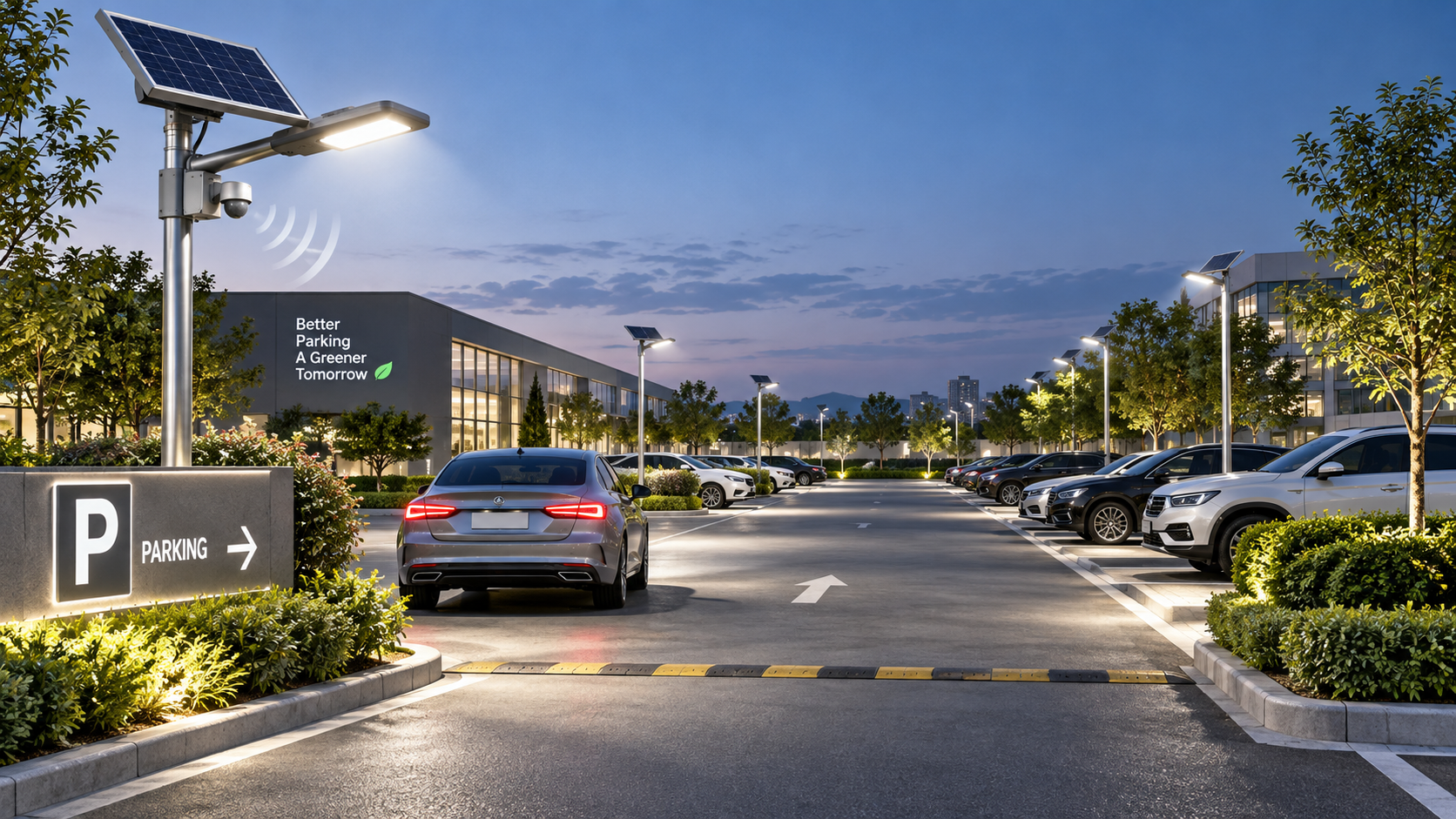
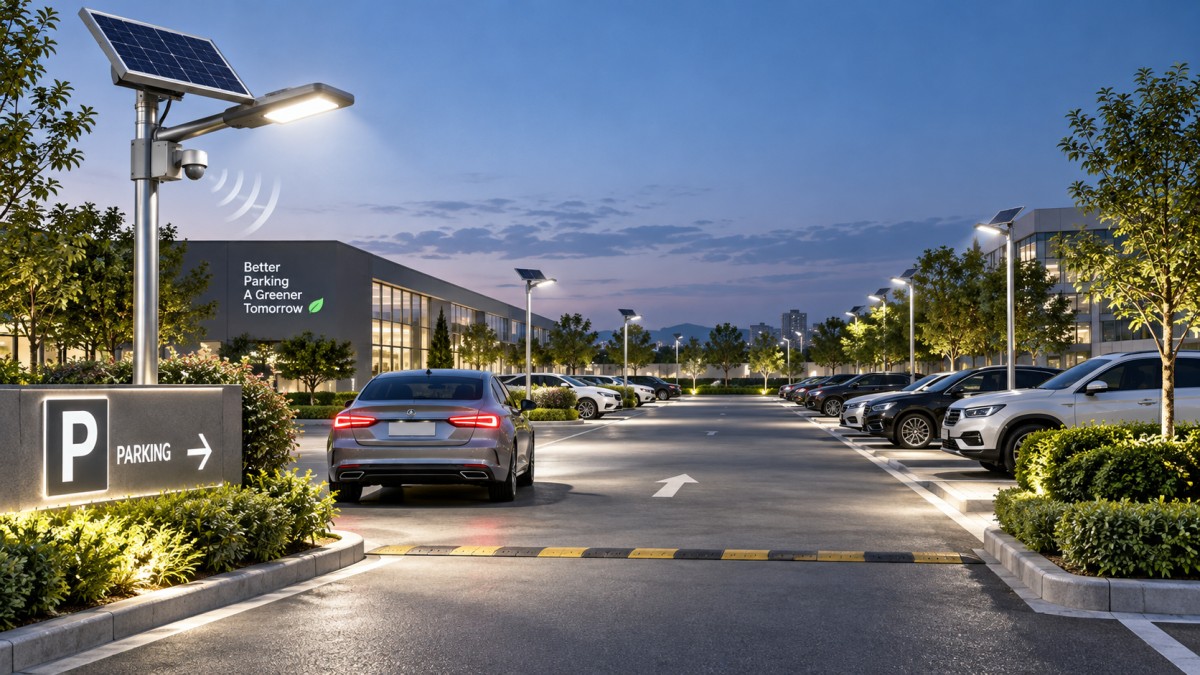
A driver turns into a parking aisle, but the lights brighten only after the vehicle passes the first spaces. Elsewhere, pedestrians stepping out between parked cars remain in dim light. These problems often come from mismatched detection zones rather than insufficient lamp output. Set coverage around actual approach routes, then verify activation before people or vehicles enter areas that need brighter lighting.
For a solar parking lot light with motion sensor, start with the manufacturer’s mounting limits and sensor pattern. Adjust direction and detection range before increasing sensitivity, then set the bright-light hold time and standby level. Maximum range is rarely the best setting: it can capture passing traffic, consume stored energy, and still miss movement behind parked vehicles.
Separate the detection zone from the illuminated area
The area a luminaire lights and the area its sensor detects are not necessarily the same. A wide light distribution may cover several parking spaces while the sensor monitors a narrower approach. Conversely, a sensor may detect movement beyond the useful light footprint, causing activation that offers little benefit.
Mark these three things on a simple site sketch:
- Required lighting areas: parking aisles, pedestrian crossings, entrances, and routes to buildings.
- Approach paths: where vehicles turn in and where people emerge from parked cars.
- Unwanted detection areas: adjoining roads, moving vegetation, and activity outside the property.
Locate the intended trigger boundary far enough ahead of the required lighting area for the light to respond before arrival. Base this on observed approach speed and actual response time, not the advertised maximum detection distance. Do not walk into live traffic lanes to make measurements; arrange controlled testing where necessary.
Check which sensor is actually installed
Settings labeled “distance” or “sensitivity” do not behave identically across products. Confirm the sensor technology, coverage diagram, supported mounting height, and adjustment method in the fixture documentation. A remote-control percentage may be a relative sensitivity setting rather than a measured distance.
Passive infrared (PIR) sensors respond to changes in infrared energy across detection zones. Movement across those zones is often easier to detect than movement directly toward the sensor. Parked vehicles can block detection of pedestrians, and performance can vary with clothing, background temperature, and weather.
Microwave or radar sensors detect movement using radio signals, with behavior depending on their design and processing. Some installations may detect activity beyond the intended boundary or through certain nonmetallic materials. Do not assume every radar sensor can reliably detect people behind vehicles; verify the specific device on site.
Also check operating conditions. A daylight threshold, schedule, battery-protection mode, or controller setting may prevent brightening even when motion is detected. Use the manufacturer’s test mode where available rather than diagnosing coverage while another control function is suppressing the output.
Adjust the physical coverage before the electronic settings
Keep mounting height within the sensor’s limits
Raising a sensor changes its ground-level detection pattern; it does not simply add useful range. A mounting position outside the specified limits can create weak detection or an unsuitable coverage shape. On integrated solar fixtures, changing the mounting angle may also affect light distribution or panel exposure.
Leave pole-height changes, bracket modifications, and work at height to qualified installers. Operators should focus on accessible controls and documented adjustments. Do not loosen a fixture or rotate an entire assembly merely to redirect its sensor unless that adjustment is explicitly supported.
Aim at the route, not the busiest background
Where independent sensor aiming is available, direct coverage toward the entrance or pedestrian approach that needs early activation. For PIR devices, test a path crossing the detection pattern as well as one approaching it directly. Avoid pointing unnecessarily toward public traffic or moving foliage.
A sensor above an open aisle may detect vehicles reliably but lose sight of someone between tall parked vehicles. Increasing sensitivity cannot remove that obstruction. A different sensor position, another fixture, or a suitable continuous lighting level may be needed to cover the pedestrian route.
Tune one setting at a time
- Record the existing configuration. Note range, sensitivity, standby output, hold time, and operating mode. Keep a way to restore the original settings.
- Start with a moderate detection setting. Follow the manufacturer’s commissioning recommendation where provided. Change only one parameter before repeating a test.
- Test the important approaches. Walk from building entrances, between parked vehicles, and across aisle junctions. Test vehicle approaches separately under controlled conditions.
- Find the first reliable activation point. Observe when the light starts brightening, not merely whether it activates somewhere along the route. Repeat each approach after the sensor resets.
- Test outside the intended boundary. Check whether adjacent traffic or other irrelevant movement causes activation. Reduce range, alter supported aiming, or use approved zone controls if available.
- Set the hold time. Allow enough bright time to park, exit, retrieve belongings, and reach the next adequately lit area. Confirm whether continued movement restarts the timer.
A successful vehicle test does not prove pedestrian coverage. A moving car and a person present different targets, while a standing person may not keep a motion-controlled light at full output. Include pauses resembling normal use, such as loading a vehicle or waiting at a crossing.
Read the symptom before increasing sensitivity
Keep coverage decisions within the solar energy budget
Frequent triggering and long hold times increase energy demand. Before reducing useful detection coverage to save power, check panel shading, cleanliness, charging conditions, and battery health using the manufacturer’s procedures. Unexpected dimming may be an energy-management response rather than a sensor failure.
Busy aisles may remain at boosted output for long periods, leaving little saving from motion control. Pedestrian conflict points may also need sufficient baseline illumination regardless of detection. Where applicable lighting requirements call for maintained illumination, motion boost should supplement that level rather than replace it.
Some adjacent landscape routes may suit a separate mains-powered lighting design. For example, LED Garden&Lawn Lighting | GLL-WJ is specified for gardens, parks, and commercial landscapes, with AC220V±20% input and 30–50 W rated power. It is not presented as a solar motion-sensor fixture; its suitability for a connecting path would require a separate layout assessment.
Verify under parked conditions and record the result
An empty-lot test can hide coverage gaps. Repeat critical approaches with representative vehicles parked in place, especially near pedestrian exits and crossings. Recheck during warmer conditions if PIR detection becomes inconsistent, and after changes to landscaping, parking arrangements, or fixture orientation.
Record each fixture’s settings, tested routes, activation points, and remaining blind spots. If reliable detection requires extending coverage into public traffic, or parked vehicles consistently hide pedestrians, stop increasing sensitivity. That points to a coverage-layout problem requiring another detection position or lighting approach—not a stronger setting.
◉ MESSAGE

Blog
- How to avoid vendor lock-in in a government smart lighting project
- Sizing the communications power budget for smart city solar street lights
- How energy-saving mode affects solar bollard light operating time
- Comparing lead times from LED street light luminaire suppliers in Europe
- What spare parts support should a smart street light exporter offer?
- Where to place a solar garden light in a partially shaded garden
- Which battery alerts matter in remotely monitored solar street lighting?
Message